Live demo
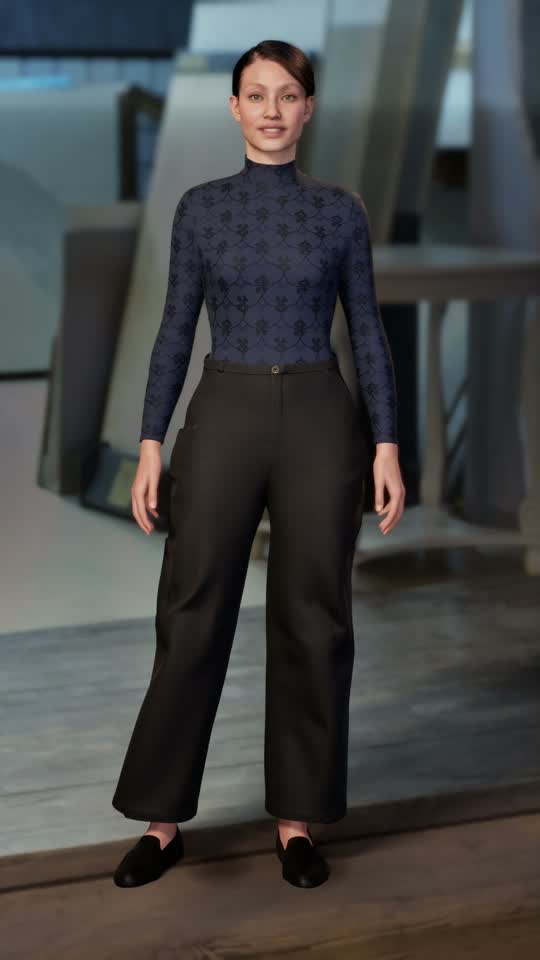 Off
The guest screen opens the kiosk page on this Mac. It asks for the microphone.
Start-up
The 3D host runs on a cloud graphics PC. It takes about two and a half minutes to start, and it stops on its own at the time you pick.
Start-up details
How she's doing
Live figures from the kiosk while the demo runs.
Conversation
A typed question gets a real answer: she says it out loud on the stream.
Choose the look
Lifelike 3D hosts need the cloud graphics PC. Lighter hosts run on any kiosk PC and start in seconds.
Only Look A is built for the live demo. The others are saved as your choice and are coming.
Lifelike 3D
Best for the lobbyLight 3D
No cloud PCWho she is
Framing and setting Coming
Saved now; the live build uses its fixed framing and lobby until these are built.
Voice
Tap play to hear each voice say the greeting. Lip-sync follows any voice, so changing it needs no rebuild.
Delivery
A new voice or pace turns off the instant fillers (“Let me check”) until her phrase cache is rendered again with SKYE_PERSONA=vivian uv run python scripts/cache_phrases.py.
What she says first
Hotel facts
She answers only from what's here and in the hotel guide. When she doesn't know, she says so and points the guest to the right person.
| What | When | Where |
|---|
Where a fact here differs from the hotel guide (knowledge/hotel.md), she uses this one. Changes apply from the next start.
Documents Coming
Fact sheets, menus, the guest directory. PDF, Word or text.
Never discuss
When she passes a guest on
For a request she can't finish herself, she tells the guest who will help and how. In the pilot she sends guests to a person. Later she can raise the request for them.
| Guest asks for | Goes to | She says | How |
|---|
Guest security is coming. Your rules are saved, but the kiosk has no key reader or lock-system link yet, so today she does nothing that needs proof.
What needs proof
Answering questions needs nothing. Anything that changes a booking or adds a charge asks the guest to prove they're staying in that room first.
| Guest asks to | Proof she asks for |
|---|
Ways a guest can prove it
Try it Sample
What the guest would see when they ask her to book dinner. A mock-up: no key is read.
Key reader Coming
A card pad built into the kiosk, the same kind the front desk uses to make keys.
- ReaderNot fitted
- Lock system linkNot set up
The kiosk will never store key data. A check will last two minutes, or until the guest walks away.
People
Only people on this list can sign in. Each person signs in with their own work email.
| Name | Role | Last seen |
|---|
Screens
Lobby browsers that may show the guest page (/kiosk). Add one, then open its pairing link once on that screen. Revoking a screen ends it at once.
| Screen | Status | Last seen |
|---|
Stream allow-list
Only these internet addresses can receive her video stream from the cloud PC. Add the public address of each lobby screen's network.
Cost limits
The cloud PC costs about A$3 an hour while it runs. These caps apply to every start.
Activity
Every sign-in, start, stop and change, with who did it.
Demo clock
Set the time she thinks it is, so a morning meeting can show the evening answers (“Atelier serves dinner until ten”).
Applies from her next answer, even while she runs.
Scripted guest
Asks set questions one after another, so the room sees a full conversation without a volunteer. The questions are typed in; she answers out loud.
Screen
Match the screen you're demoing on.
Landscape opens the guest screen zoomed to head and waist.
Listening
With eye contact and greeting both off, the camera stays off from the next start.
Eye contact is off on the hosted console: the camera is read by the kiosk machine, and the lobby browser's camera is not used yet. She greets at start-up instead of on approach.
Take it with you Coming
She shows a code the guest scans to carry directions or a booking on their phone.
Record a clip Coming
Saves the next conversation as a portrait video with captions, ready to send.
Real figures from the kiosk, last 7 days. Only times are recorded, never what guests say.
What guests ask about
Share of questions, last 7 days
Busy times
Conversations by hour
She couldn't answer
Add these to Hotel info so she can next time